

Wi-Fi, streaming apps, Freeview tuning and connected device support
Smart TV Setup for Streaming, Freeview and Connected Devices
A new television can offer far more than standard live channels, but the first setup is not always straightforward. James Wilson TV Aerial Installer provides a practical Smart TV setup service for internet connections, apps, Freeview channels and everyday controls.
The engineer can connect compatible equipment, check the main picture and sound settings, and explain how to find the features you are most likely to use.
What Can Be Set Up on Your Smart TV?
Internet Connection
Connect the television to a suitable Wi-Fi network or Ethernet cable for online services.
Streaming Apps
Open, install or update compatible services such as BBC iPlayer, ITVX, Netflix, Prime Video and YouTube.
Freeview Channels
Tune live television channels where a suitable aerial signal is connected to the TV set.
HDMI Equipment
Connect set-top boxes, gaming consoles, streaming devices and compatible sound equipment.
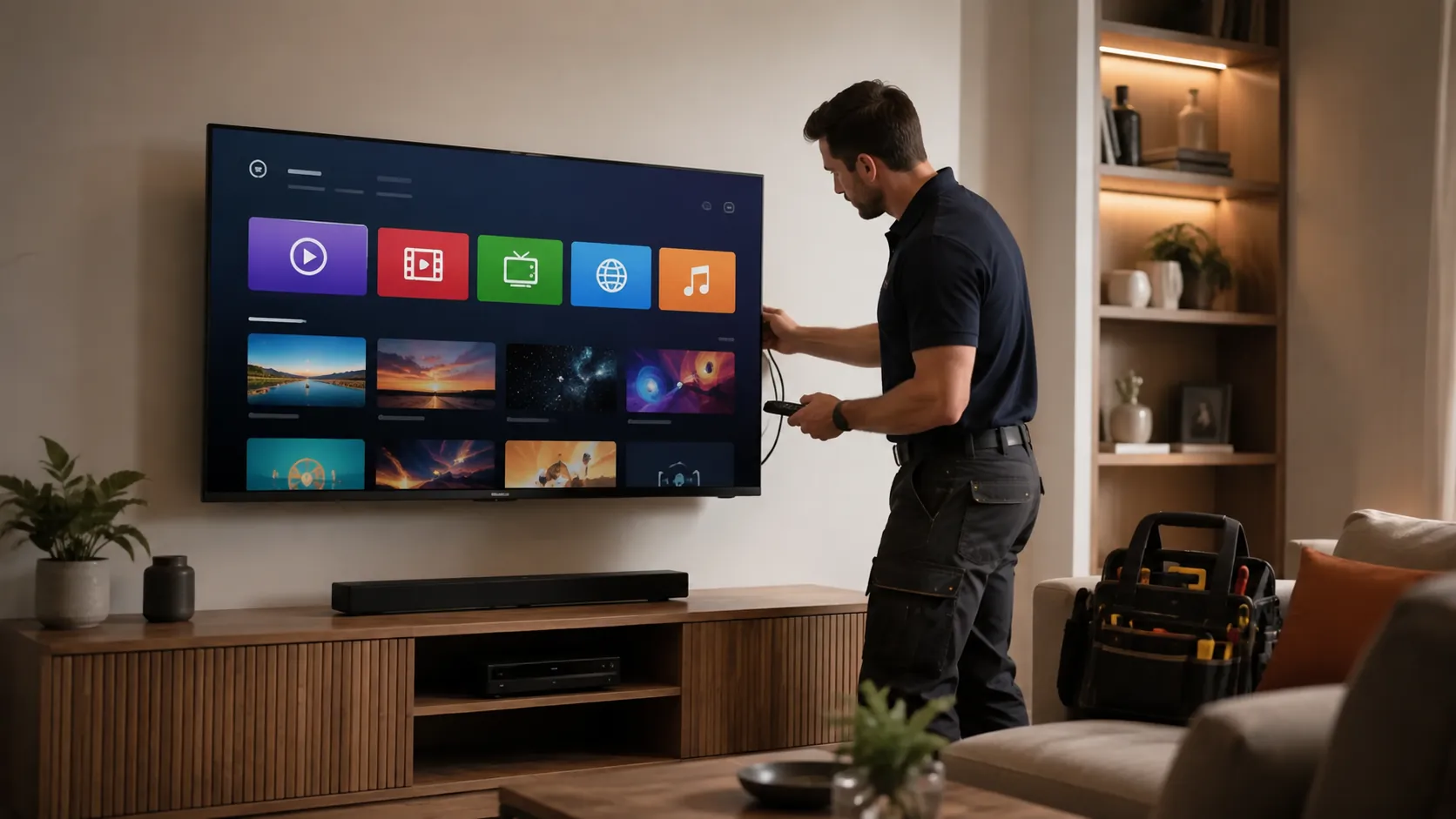
Smart TV Setup Without the Confusion
Smart televisions combine several services in one place. As a result, the setup can involve internet passwords, account logins, aerial channels, HDMI inputs, software updates and several remote controls.
- Connect the television to the home internet.
- Complete the basic on-screen installation.
- Tune available Freeview channels.
- Set up the required streaming apps.
- Connect boxes, consoles and sound equipment.
- Explain the home screen, inputs and remote control.
What to Have Ready Before the Engineer Arrives
A few simple details can make the appointment quicker and help the engineer complete more of the setup during one visit.
Internet Details
Have the Wi-Fi network name and password available, or confirm where the router and Ethernet connection are located.
Account Logins
Keep your own usernames and passwords ready for streaming services. For privacy, you should enter sensitive details yourself where possible.
Connected Equipment
Have the remotes, power leads, HDMI cables and devices you want connected in the room.
Sending the television make and model, along with a short list of devices, helps the team understand the likely setup before the visit.
Customer Reviews
Read feedback from customers who have used James Wilson TV Aerial Installer for Smart TV installation, television setup, aerial and satellite services.
Wi-Fi or Ethernet for a Smart Television?
Wi-Fi Connection
Wi-Fi avoids an extra cable and is often suitable when the router signal is strong at the television position.
- Check the Wi-Fi password.
- Confirm the router reaches the room.
- Keep the television software updated.
- Reduce obstructions where practical.
Ethernet Connection
A wired Ethernet connection may provide more consistent internet access when the television and router positions allow it.
- Useful for stable streaming.
- Requires a practical cable route.
- The TV must have a network socket.
- Router ports must be available.
Streaming Apps and Catch-Up Television
Compatible Smart TVs can provide access to streaming and catch-up services. Availability depends on the television model, software, internet connection and your own accounts.
Catch-Up TV
BBC iPlayer, ITVX, Channel 4, My5 and other compatible services can be checked where available.
Subscription Apps
Netflix, Prime Video, Disney+ and other services require your own account and may require a separate subscription.
Video and Music Apps
YouTube and other compatible media apps can be placed where they are easier to find on the television home screen.
Smart TV Setup for Games Consoles, Boxes and Soundbars
Connected devices should be planned before the television is moved or wall mounted. This helps keep the correct HDMI ports accessible and avoids short or stretched cables.
Gaming Consoles
Connect compatible consoles, choose the correct HDMI input and check basic picture and sound output.
Streaming Devices
Set up compatible Fire TV, Chromecast, Apple TV or similar devices where the television supports them.
Set-Top Boxes
Connect compatible Freeview, Freesat, satellite or other television receivers to available inputs.
Soundbars
Connect a compatible soundbar using the appropriate television output and check the basic sound settings.
Freeview Tuning on a Smart TV
Smart features use the internet, but live Freeview channels normally use a television aerial. Connecting Wi-Fi will not fix a weak or missing aerial signal.
When the Aerial Signal Is Working
The television can be tuned, the available channels can be checked and the programme guide can be tested.
View Freeview InstallationWhen Channels Are Missing
If channels pixelate, disappear or show no signal, the aerial system may need testing before the television is retuned again.
View TV Aerial RepairsMaking a Smart TV Easier to Use
A useful setup should be understandable after the engineer leaves. The service can include simple guidance rather than only connecting equipment.
Home Screen and Inputs
Learn how to move between live television, streaming apps and connected HDMI devices.
Remote Control Guidance
Understand common buttons, source selection, volume controls and app shortcuts.
Accessibility Features
Where available, subtitles, audio description, text size and other useful settings can be explained.
Can an Older Television Be Made Smart?
You may not need to replace an older television just to access streaming services. A compatible external streaming device can add online apps when the TV has a suitable HDMI connection.
What the Television Needs
- A working HDMI input
- A suitable picture and sound setup
- Access to mains power
- A reliable home internet connection
Possible Streaming Devices
- Amazon Fire TV devices
- Google Chromecast
- Apple TV
- Other compatible HDMI streaming players
How the Smart TV Setup Process Works
Tell Us What You Need
Share the television model, internet setup and a list of apps or devices you want connected.
Connect the Television
The television is connected to power, internet, aerial and agreed HDMI equipment.
Complete the Setup
Initial settings, software checks, channel tuning and compatible apps are completed.
Test and Explain
The main inputs, sound, picture, apps and controls are checked before handover.
Smart TV Setup Prices and Free Quotes
The price depends on the television, internet connection, number of devices, wall mounting requirements and the amount of troubleshooting involved.
What Can Affect the Cost?
- New television or existing TV setup
- Wi-Fi or Ethernet connection work
- Number of apps and devices
- Freeview signal or tuning problems
- Wall mounting and cable management
Clear Advice Before Work Starts
Get a free no obligation quote and explain what you want the television to do. Sending the TV model and device list helps the team give more relevant advice.
Request a Free QuoteSmart TV Installation for Different Customers
New TV Owners
Complete the first setup, tune channels and connect the accounts and equipment you use.
Older and Less Confident Users
Create a simpler setup and explain the main viewing options in clear language.
Landlords and Rental Properties
Prepare a practical television setup for furnished homes and tenant use.
Families
Connect shared streaming apps, games consoles and suitable parental controls.
Home Offices
Connect a television for presentations, streaming, video calls or secondary display use where compatible.
Small Businesses
Set up televisions for waiting areas, customer information or staff use.
Related Television Services
TV Wall Mounting
Secure bracket fitting, screen positioning and cable planning.
View TV Wall MountingHome Cinema Installation
Help connecting televisions, soundbars, speakers and entertainment devices.
View Home CinemaHD and HDMI Services
Support with HDMI leads, gaming consoles, receivers and picture sources.
View HD ServicesSky Glass Wall Mounting
Position planning and mounting support for Sky Glass televisions.
View Sky Glass MountingFreeview Installation
TV aerial fitting, digital signal testing and Freeview channel support.
View Freeview ServicesExtra TV Points
Add television access in a bedroom, kitchen, extension or office.
View Extra TV PointsBook a Smart TV Setup Service
Contact James Wilson TV Aerial Installer for Smart TV installation, Wi-Fi connection, streaming apps, Freeview tuning and device setup.
Opening hours are Monday to Friday from 8am to 9pm, and Saturday to Sunday from 8am to 5pm.
Smart TV Setup FAQs
What is included in a Smart TV setup service?
A Smart TV setup service can include the initial television setup, Wi-Fi or Ethernet connection, Freeview tuning, streaming app installation, HDMI device connections, picture and sound checks, and an explanation of the main controls.
Can you connect Netflix, Prime Video and BBC iPlayer?
Yes. Compatible streaming apps can be opened, installed or updated where available. You will need your own login details for subscription and personal accounts.
Can you connect a games console, soundbar or streaming stick?
Yes. Compatible gaming consoles, soundbars, Fire TV devices, Chromecast, Apple TV and other HDMI equipment can be connected as part of the agreed setup.
Do I need Wi-Fi for a Smart TV?
An internet connection is needed for streaming apps, software updates and online features. Live Freeview channels normally require a suitable TV aerial rather than Wi-Fi.
Can you tune Freeview channels on my Smart TV?
Yes. Where a suitable aerial signal is available, the television can be tuned and checked for Freeview channels. Signal faults may need separate aerial testing or repair.
Can you help make the television easier to use?
Yes. The engineer can explain the home screen, source selection, volume controls, subtitles, accessibility options and other basic features available on the television.
Can an older television be made smart?
Many older televisions with a suitable HDMI connection can use a compatible streaming device such as a Fire TV Stick, Chromecast or Apple TV. The television and internet connection need to support the chosen device.
Do you offer same-day Smart TV setup?
Same-day local service may be available depending on your postcode, the work required and engineer schedules. Calling early gives the best chance of arranging a faster visit.